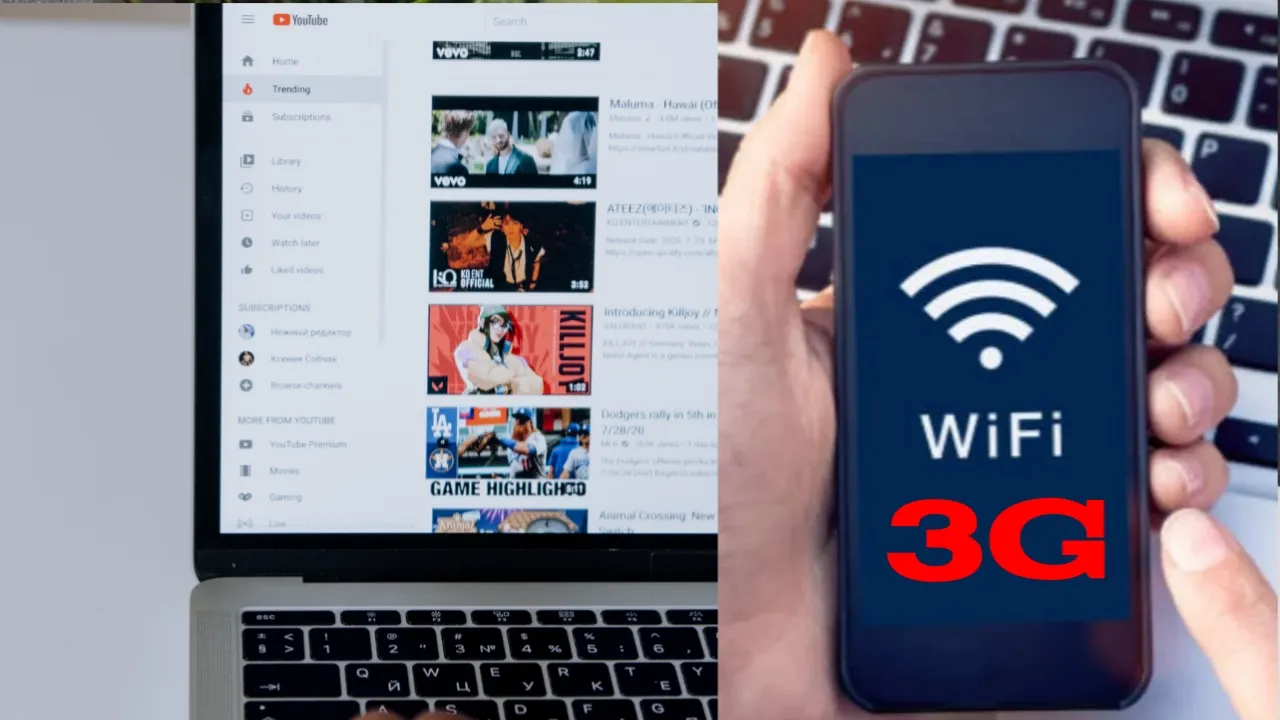
If you are asking ” can I watch YouTube with 3G? Then read this post to find out if you can watch YouTube with 3G, learn about the impact of internet speeds on video streaming, and discover tips to optimize your viewing experience in this detailed guide.
Can I watch YouTube with 3G internet network?
In today’s fast-paced digital world, video streaming platforms like YouTube have become an integral part of our lives. However, not everyone has access to high-speed internet connections such as 4G or 5G. In this guide, we will explore the question, “Can I watch YouTube with 3G?” and provide insight into how internet speeds impact video streaming. Additionally, we will share tips to optimize your viewing experience, even on lower-speed networks.
Understanding Internet Speeds
To answer the question “Can I watch YouTube with 3G?” it’s essential to understand the basics of internet speeds. Internet speed is typically measured in megabits per second (Mbps), and the higher the Mbps, the faster your connection. Broadly, there are three types of mobile internet speeds:
- 3G (3rd Generation): 3G networks offer speeds ranging from 384 Kbps to 2 Mbps, depending on the specific technology used by your mobile carrier.
- 4G (4th Generation): 4G networks provide faster speeds than 3G, with average speeds between 5-12 Mbps, and peak speeds up to 100 Mbps or more.
- 5G (5th Generation): The newest and fastest mobile internet technology, 5G networks can reach speeds of up to 10 Gbps or even higher.
So, Can I Watch YouTube With 3G?
Yes, you can watch YouTube videos using a 3G connection, but the quality and speed of your video streaming experience will depend on various factors, such as network congestion, signal strength, and the video’s resolution. While 3G speeds may be sufficient for watching lower-resolution videos without significant buffering, higher-resolution content might require a faster connection.
The Impact of Internet Speed on Video Streaming
Watching YouTube videos with 3G can be possible, but you should be aware of how internet speeds affect your streaming experience:
- Video Resolution: The video resolution (such as 480p, 720p, 1080p, or 4K) has a direct impact on the required internet speed. Higher resolutions need faster connections to stream without buffering. For instance, streaming a 480p video might only require a speed of 0.5-2 Mbps, while a 1080p video might need 3-4 Mbps.
- Buffering: Buffering is the process of pre-loading video data to ensure smooth playback. If your internet connection is too slow to keep up with the video’s data requirements, you might experience pauses or stuttering during playback as the video buffers.
- Load Times: With a slower connection like 3G, videos might take longer to start playing as the initial buffering process takes more time.
Tips to Optimize Your YouTube Viewing Experience on 3G:
Although 3G speeds might be limiting, there are several ways to optimize your YouTube experience on lower-speed networks:
- Lower Video Resolution: One of the simplest ways to improve video playback on 3G is to lower the video resolution. In the YouTube app or website, tap or click the gear icon in the video player, then select a lower resolution (such as 480p or 360p) to reduce the bandwidth required for streaming.
- Preload Videos: If you’re planning to watch videos during times when your internet connection is slower, consider using YouTube’s “Watch Later” feature to preload videos when
- you have access to faster internet. This way, when you’re on a 3G connection, the videos will already be buffered and ready for playback.
- Download Videos for Offline Viewing: With YouTube Premium, you can download videos to your device for offline viewing. Downloading videos when you have a faster connection allows you to watch them seamlessly on your 3G connection without buffering.
- Use YouTube’s “Save Data” Mode: The YouTube mobile app offers a “Save Data” mode to help reduce data usage on slower connections. When enabled, this feature automatically adjusts the video quality to minimize data consumption. To enable “Save Data” mode, open the YouTube app, tap on your profile icon, select “Settings,” and then tap “Video quality preferences.” Enable “Save Data” under the “Mobile network” option.
- Limit Background Data Usage: Running multiple apps that consume data in the background can impact your YouTube streaming experience on 3G. To optimize your connection, close any unnecessary apps and consider using your device’s data management settings to restrict background data usage for specific apps.
- Improve Your Device’s Signal Strength: A weak signal can impact your 3G connection and video streaming experience. Ensure your device has a strong signal by moving closer to a window, away from electronic devices that might cause interference, or using a signal booster if needed.
Recommended: Best place to get YouTube subscribers
Conclusion
The answer to the question “Can I watch YouTube with 3G?” is yes, but the quality of your viewing experience will depend on various factors, such as video resolution and network conditions. By following the tips outlined in this guide, you can optimize your YouTube experience on 3G connections and enjoy your favorite videos without significant interruptions or buffering.
Remember that technology is continually evolving, and mobile internet speeds are always improving. As you upgrade your devices and mobile networks, your video streaming experience will likely become even more seamless and enjoyable.