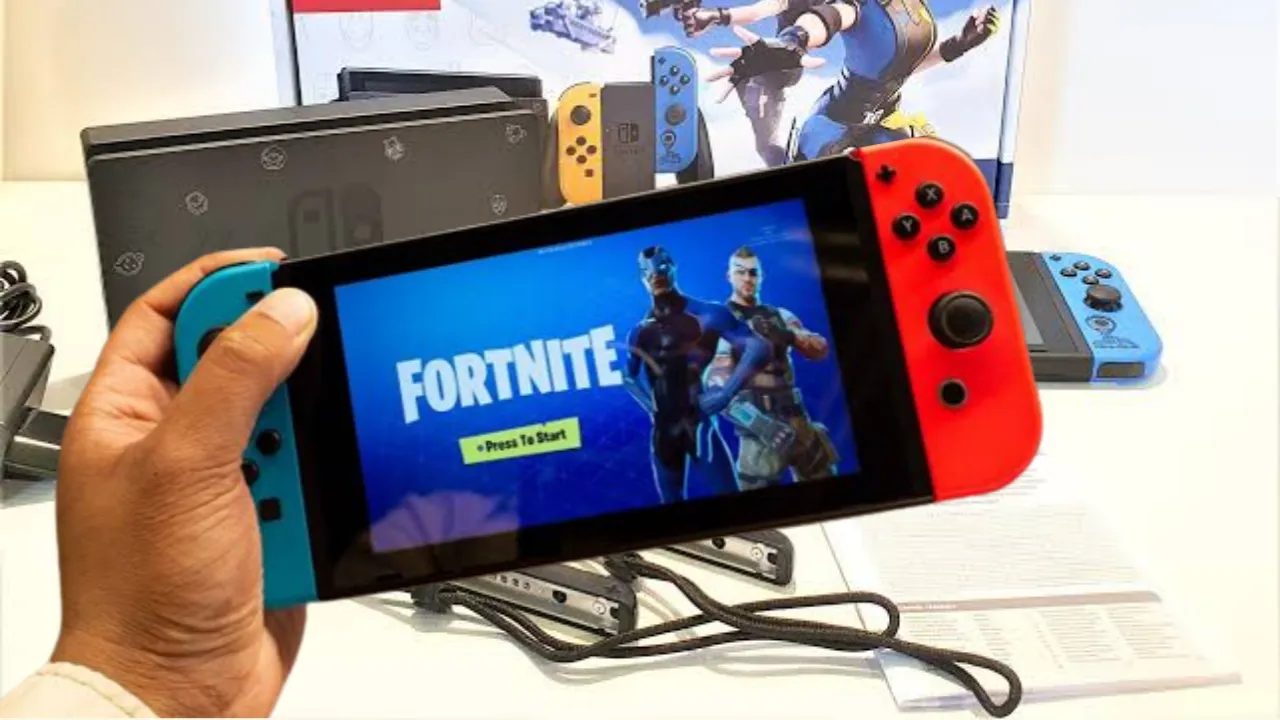
Fortnite Switch is an immensely popular battle royale game that challenges players to survive and emerge victorious against a hundred opponents. Mastering the inventory management system is crucial for success in the game. One essential skill is learning how to drop items when you no longer need them. In this article, we’ll provide you with a comprehensive guide on how to drop items in Fortnite Switch.
Understanding the Inventory System in Fortnite Switch
Before we delve into the steps of dropping items, it’s essential to understand how the inventory system works. In Fortnite Switch, players can carry a limited number of items, including weapons, healing items, and resources. Managing your inventory efficiently can give you a significant advantage during intense battles.
How to Drop Items in Fortnite Switch: Step-by-Step Guide
Opening the Inventory
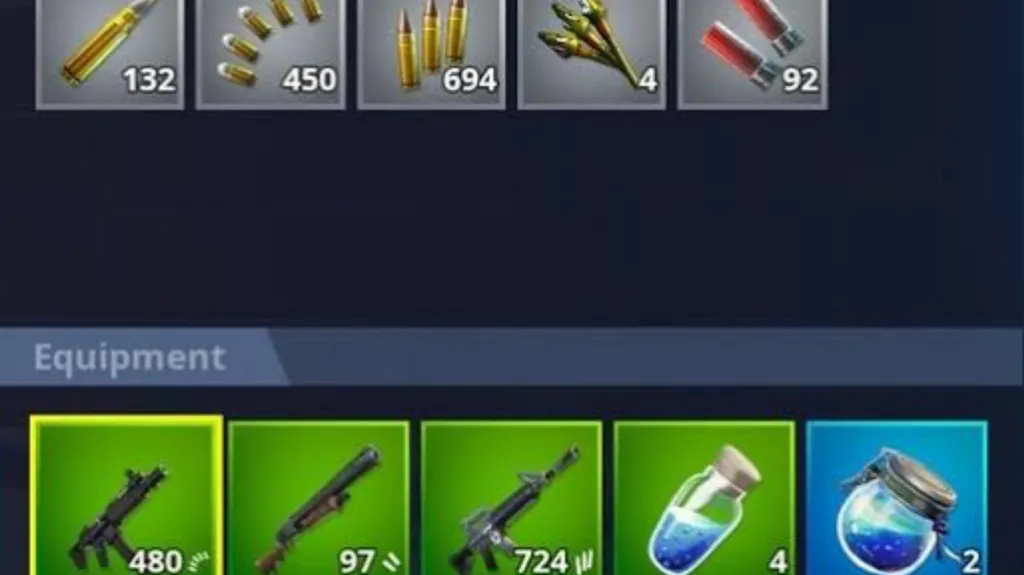
To begin, you need to open your inventory by pressing the designated button. On the Nintendo Switch, this is typically done by pressing the “+” button on your controller.
Selecting the Item to Drop
Once the inventory screen is open, you can navigate through your available items using the directional buttons or thumbstick. Highlight the item you wish to drop by moving the cursor over it.
Dropping the Item
With the desired item highlighted, press the button assigned to the “drop” action. On the Nintendo Switch, this is usually the “A” button. Confirm the action when prompted to drop the selected item from your inventory.
Tips for Efficient Item Dropping in Fortnite Switch
- Organizing Your Inventory: To streamline your gameplay and item dropping process, it’s vital to organize your inventory effectively. Arrange your items in a logical order that allows for quick access and reduces the chances of accidental drops.
- Prioritizing Essential Items: During intense battles, it’s crucial to prioritize essential items such as weapons and healing supplies. By keeping them at the forefront of your inventory, you can ensure quick access in critical situations.
- Communicating with Teammates: Fortnite Switch often involves teamwork, especially in squad-based modes. If you have surplus items that your teammates might need, communicate with them and drop the items they require. This can foster cooperation and increase your chances of victory.
Common Mistakes to Avoid
- Accidental Item Drops: One common mistake players make is accidentally dropping items they intended to keep. This can happen due to misclicks or panic during intense encounters. To prevent this, exercise caution while navigating your inventory and double-check your actions before confirming any drops.
- Dropping Valuable Items Unintentionally: Valuable and rare items can significantly impact your gameplay. Accidentally dropping these items can lead to frustration and missed opportunities. Always be mindful of the items you possess, especially those with high rarity or unique abilities.
- Miscommunication and Item Loss: In team-based game modes, miscommunication can lead to item loss. Ensure clear communication with your teammates about the items you’re dropping or sharing. This helps maintain coordination and avoid misunderstandings that could result in valuable items being lost.
Do you care to know about Tweak apps and mod games ?
Conclusion
Mastering the art of item dropping in Fortnite Switch is a fundamental skill that can enhance your gameplay and increase your chances of success. By following the step-by-step guide provided in this article, you can quickly and efficiently drop items when needed. Remember to organize your inventory, prioritize essential items, and communicate effectively with your teammates. Avoid common mistakes such as accidental drops and miscommunication to preserve valuable items and maintain a competitive edge in the game.
FAQs (Frequently Asked Questions):
Can I drop items for my teammates in Fortnite Switch?
Yes, you can drop items for your teammates by communicating with them and using the item drop feature in the game.
Will dropped items disappear after some time?
Dropped items will generally remain on the ground for a certain period. However, it’s best to pick them up or have your teammates do so promptly to avoid losing them.
Can I drop multiple items at once?
Currently, the game does not have a feature to drop multiple items simultaneously. You need to drop items one by one.
Are there any penalties for dropping items in Fortnite Switch?
There are no penalties for dropping items in the game. It’s a strategic decision to manage your inventory effectively and adapt to different situations.
Can I retrieve items once I’ve dropped them?
Once you drop an item in Fortnite Switch, it becomes available for other players to pick up. You won’t be able to retrieve it unless someone drops it back to you.
Remember to have fun while playing Fortnite Switch and experiment with different strategies. Adapt your item dropping tactics based on the situation and collaborate with your teammates to maximize your chances of victory. Happy gaming!