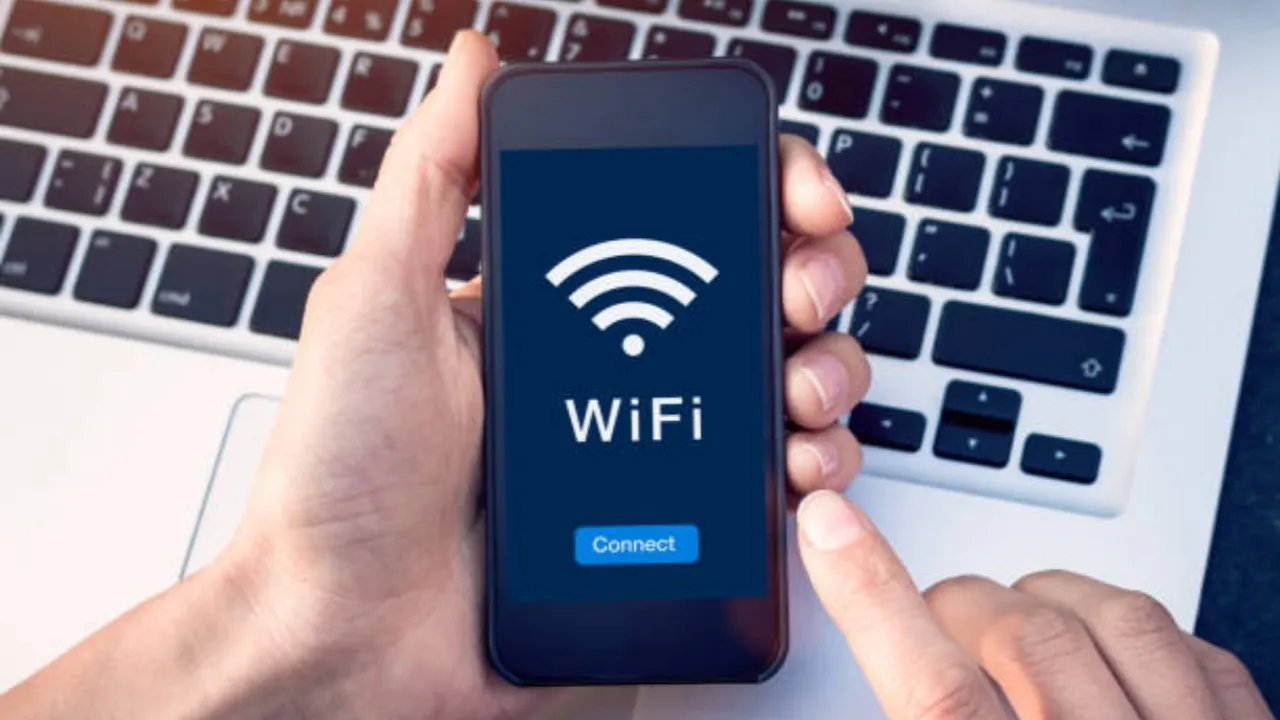
If you are asking “why is my phone mobile hotspot slow?” Because you are experiencing slow phone mobile hotspot speeds, uncover the common causes and effective solutions to help you get back up to speed and enjoy a seamless browsing experience. In today’s connected world, using your phone’s mobile hotspot is a convenient way to access the internet when you’re on the go or when a traditional Wi-Fi connection is unavailable.
Why is my phone mobile hotspot slow? Solutions to speed up
However, it can be frustrating when you encounter slow speeds while trying to browse or stream content. In this article, we’ll explore the various reasons behind why your phone mobile hotspot may be slow and provide solutions to enhance your connectivity.
Network congestion
One of the most common causes of a slow phone mobile hotspot is network congestion. When many users are connected to the same cellular tower, it can result in reduced bandwidth for everyone connected, leading to slower speeds.
Solution:
To alleviate network congestion, try connecting to the internet during off-peak hours or move to a different location with a stronger cellular signal.
Limited data plan
If your mobile data plan has a limited amount of high-speed data, your hotspot speeds may be throttled once you’ve reached your monthly data cap. This means your internet connection will slow down significantly.
Solution:
To avoid throttling, keep an eye on your data usage and consider upgrading to a plan with more high-speed data or an unlimited data plan if you frequently use your phone as a hotspot.
Interference
Physical objects or other electronic devices can interfere with your hotspot’s signal, resulting in slower speeds. Walls, windows, furniture, and other electronics like microwaves or cordless phones can disrupt your connection.
Solution:
Position your phone and laptop in a clear area without obstructions, away from other electronic devices that might cause interference.
Outdated device software
Outdated software on your phone or laptop can cause your mobile hotspot to perform poorly. Running the latest updates can improve your connection’s speed and stability.
Solution:
Regularly check for and install any available software updates for both your phone and laptop.
Poor signal strength
If your phone has a weak cellular signal, it can affect your mobile hotspot’s speed. Poor signal strength can be due to distance from the nearest cellular tower, obstructions, or being in a building with thick walls.
Solution:
Move to an area with better signal strength, ideally closer to a window or outside, to see if your connection speeds improve.
Too many connected devices
If multiple devices are connected to your phone’s mobile hotspot, it can slow down your internet speed as the available bandwidth is shared among all connected devices.
Solution:
Limit the number of devices connected to your mobile hotspot to reduce bandwidth sharing and improve overall speed.
Background applications
Running apps or programs in the background on your phone or laptop can consume bandwidth and slow down your mobile hotspot connection.
Solution:
Close any unnecessary apps or programs on both your phone and laptop to free up bandwidth and improve your connection speed.
Tips in how to speed up mobile hotspot
- Check your data plan: Make sure you have a data plan that supports high-speed hotspot usage. Limited data plans can result in slow speeds or throttling after a certain amount of data is used.
- Position your devices correctly: Place your mobile device and the device you’re connecting to in close proximity with no obstructions to ensure a strong signal.
- Optimize your device settings: Switch to the 5 GHz band if your devices support it, as it provides faster speeds and less interference.
- Update your devices: Regularly update your smartphone’s operating system and the software on connected devices to ensure optimal performance.
- Disable background apps: Close any unnecessary apps on your smartphone to minimize data usage and avoid any slowdowns.
- Use a signal booster: Consider investing in a signal booster to enhance the strength and range of your mobile hotspot.
- Reset your mobile hotspot: Sometimes, simply resetting your hotspot can resolve slow speeds by clearing any potential issues.
Recommended: How to screenshot on HP laptop
Conclusion
If you’re wondering, “why is my phone mobile hotspot slow?”, there are several potential causes that can impact your connection. By identifying the issues and implementing the solutions provided in this article, you can enhance your mobile hotspot speed and enjoy a seamless browsing experience. Remember, maintaining updated software, optimizing your device’s settings, and keeping an eye on your data usage can help you stay connected and avoid frustrating slowdowns.




1 comment