In recent years HDMI has become increasingly popular, if you need answer on how to check if my phone supports HDMI alt mode then you are on the right post. HDMI Alt Mode is a feature that allows smartphones to output high-quality audio and video to a TV or monitor using a USB-C to HDMI cable.
However, not all phones support this feature, so if you’re wondering how to check if your phone supports HDMI Alt Mode, you’ve come to the right place. In this article, we’ll explore some methods to help you determine whether your phone supports HDMI Alt Mode.
Method 1 of how to check if my phone supports hdmi alt mode: Check the Phone’s Specifications
The first and easiest way to check if your phone supports HDMI Alt Mode is to look at the phone’s specifications. Here’s how to do it:
- Step 1: Go to the phone’s manufacturer website or the website of the phone carrier that sold you the phone.
- Step 2: Look for the phone’s specifications, which should include information on the phone’s ports and connectivity options.
- Step 3: Look for the term “HDMI Alt Mode” or “DisplayPort Alt Mode” under the connectivity options. If the phone supports HDMI Alt Mode, it will be listed here.
- Method 2: Use a Compatibility Checker Tool
Method 2 of how to check if my phone supports hdmi alt mode: Use of tools
Another way to check if your phone supports HDMI Alt Mode is to use a compatibility checker tool. These tools scan your phone’s hardware and software to determine if it’s compatible with HDMI Alt Mode. Here are some popular compatibility checker tools you can try:
- USB-C Checker
- HDMI Alt Mode Checker
- DisplayPort Alt Mode Checker
Note that some compatibility checker tools require root access to your phone, which can void your warranty and potentially harm your device. Be sure to research and evaluate any third-party app before installing it on your device.
Method 3 of how to check if my phone supports hdmi alt mode: Check with the Phone Manufacturer
If you’re still not sure if your phone supports HDMI Alt Mode, you can contact the phone manufacturer directly. The manufacturer should be able to provide you with information on the phone’s ports and connectivity options, including whether it supports HDMI Alt Mode or not.
Recommended: How track down someone who scammed you
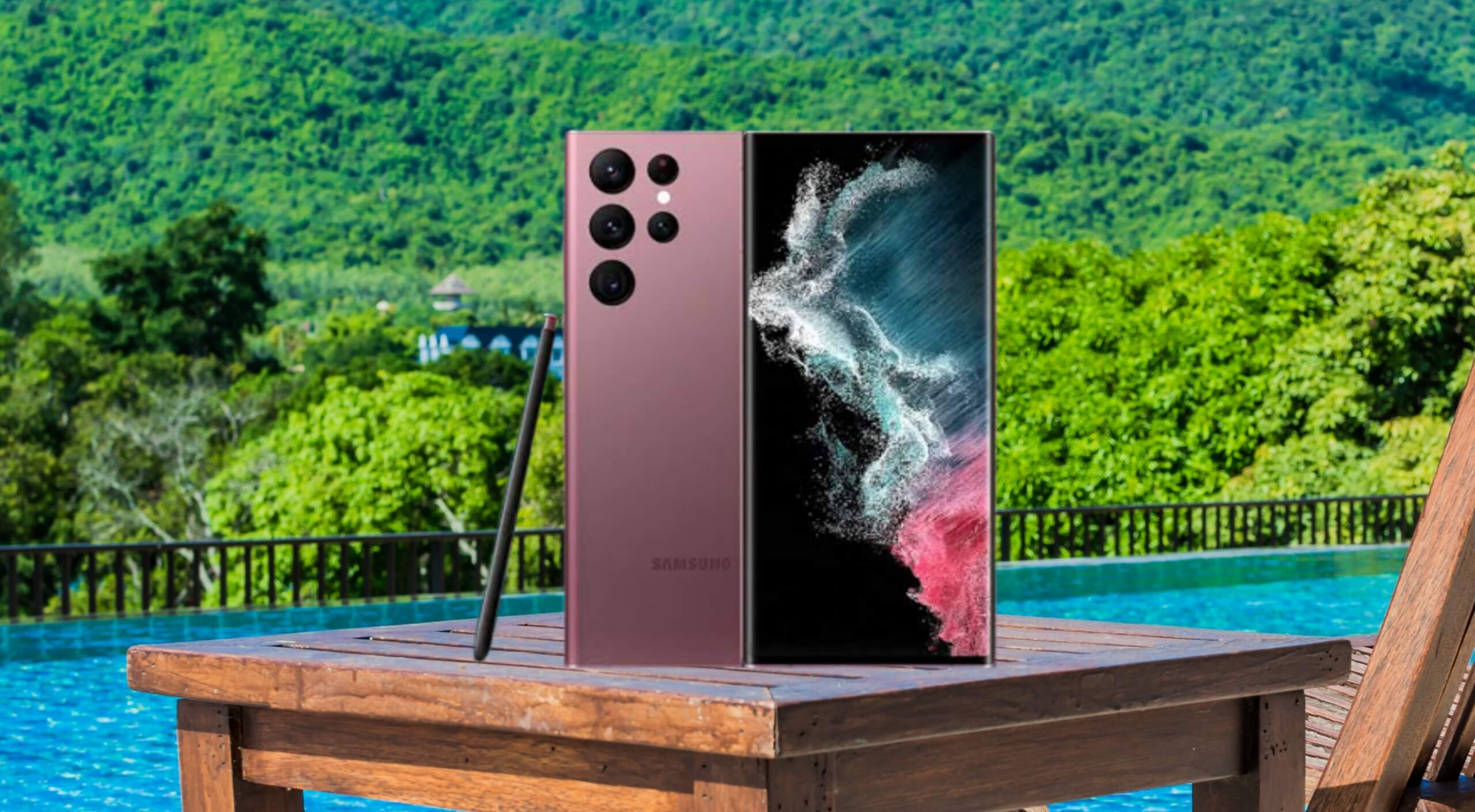
hdmi alt mode phones list:
- Samsung Galaxy S20 / S20+ /
- Samsung Galaxy S10e / S10 / S10 +
- Samsung Note 9 / 20
- Samsung Galaxy S8/ S8+ S9/ S9+
- Samsung Galaxy S22 Ultra
- HTC 10
- U Ultra
- U11/ U11+
- U12+
- Asus ZenFone
- ROG Phone
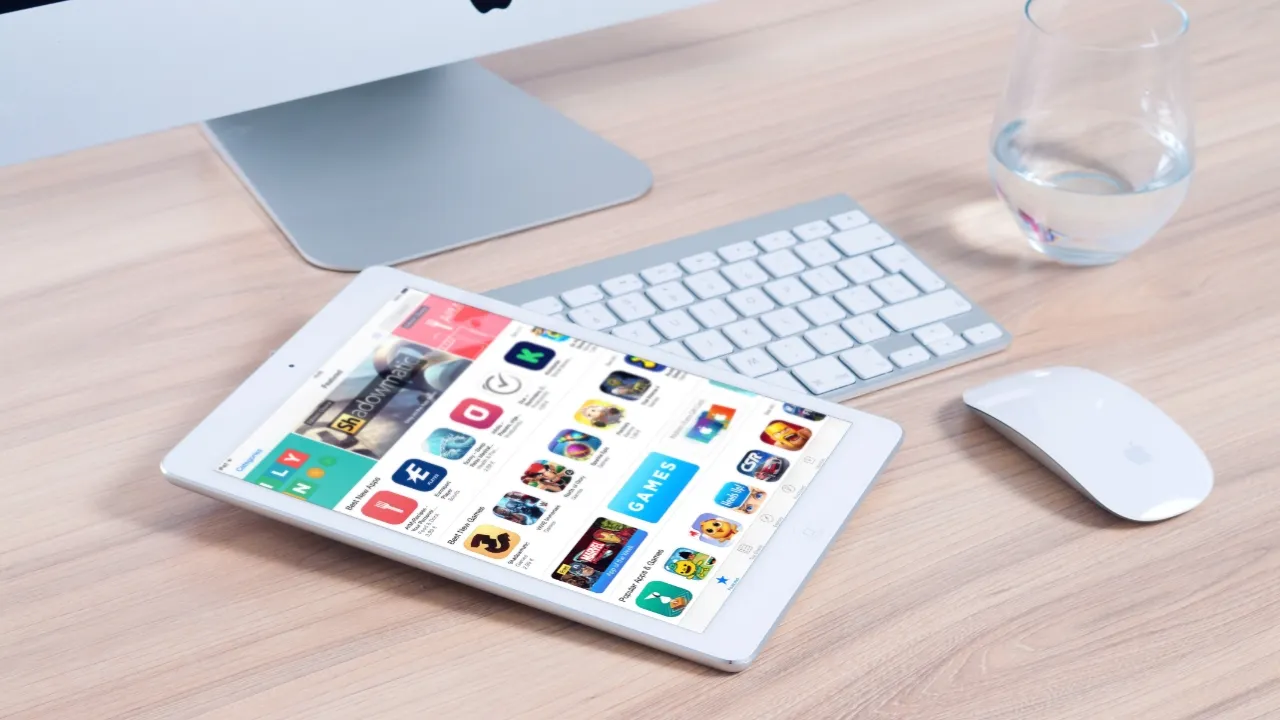
hdmi alt mode tablet list
- iMac (mid-2017 and newer)
- iMac Pro (Late 2018 and newer)
- Mac Mini (Late 2018 and newer)
- Apple iPad Pro (2021 / 2020 / 2018)
- Samsung Tablet S7/ S8 / S9
hdmi alt mode laptop and MacBook list
- MacBook (Early 2015 and newer)
- MacBook Pro (2016/ 2017/ 2018/ 2019/ 2020/ 2021)
- MacBook Air (Late 2018 and newer)
- Microsoft Surface Book 2
- Microsoft Surface Go
- Google Chromebook Pixel (2015)
- Google Pixel Book
- Google Pixel Slate
- Dell Latitude 7373/ 5570/ 5490/ 5400 (2019)
- Dell XPS 13/ 15
- AMD Ryzen 6900hs laptop
- Recommended: Best smartphones VR
Enabling HDMI Alt Mode on Your Phone
If your phone supports HDMI Alt Mode, you will need a compatible USB Type-C to HDMI adapter to establish a connection between your phone and an external display. Follow these steps to enable HDMI Alt Mode on your device:
Purchase a USB Type-C to HDMI adapter that supports HDMI Alt Mode. Ensure that the adapter is compatible with your phone’s model to avoid compatibility issues.
- Connect the USB Type-C end of the adapter to your phone and the HDMI end to the external display.
- Turn on the external display and select the appropriate HDMI input source.
- Your phone should automatically detect the connection and mirror its display or prompt you to choose a suitable output mode (e.g., screen mirroring or media streaming).
how do i make my phone support hdmi alt mode: Exploring Alternatives for Phones That Don’t Support HDMI Alt Mode
Unfortunately, if you have done the process stated in how to check if my phone supports hdmi alt mode and you discovered your phone doesn’t support HDMI Alt Mode, there isn’t a straightforward way to enable it, as this feature is typically built into the device’s hardware. However, you can explore alternative methods to connect your phone to an external display:
Wireless Casting
If your phone and external display support technologies such as Miracast, Google Cast, or Apple AirPlay, you can wirelessly cast your phone’s screen to the display without the need for HDMI Alt Mode.
Third-party Adapters
Some third-party adapters, like MHL or SlimPort, allow you to connect your phone to an external display using your phone’s charging port. However, compatibility varies across devices, and these adapters may not support all features provided by HDMI Alt Mode.
Conclusion
I know you have gotten the required information on how to check if my phone supports hdmi alt mode. Frankly speaking, HDMI Alt Mode is a convenient feature that allows you to output high-quality audio and video from your phone to a TV or monitor using a USB-C to HDMI cable.
Checking if your phone supports HDMI Alt Mode can be done through various methods, including checking the phone’s specifications, using a compatibility checker tool, or contacting the phone manufacturer directly. Knowing whether your phone supports HDMI Alt Mode can help you make the most of your device’s connectivity options and enjoy high-quality multimedia content on a larger screen.


23 comments
I really like reading through a post that can make men and women think. Also, thank you for allowing me to comment!
This is really interesting, You’re a very skilled blogger. I’ve joined your feed and look forward to seeking more of your magnificent post. Also, I’ve shared your site in my social networks!
I appreciate you sharing this blog post. Thanks Again. Cool.
This is my first time pay a quick visit at here and i am really happy to read everthing at one place
There is definately a lot to find out about this subject. I like all the points you made
This is my first time pay a quick visit at here and i am really happy to read everthing at one place
Great information shared.. really enjoyed reading this post thank you author for sharing this post .. appreciated
Very well presented. Every quote was awesome and thanks for sharing the content. Keep sharing and keep motivating others.
I do not even understand how I ended up here, but I assumed this publish used to be great
I stumbled upon your blog and I must say, your post is fantastic! It’s informative, well-written, and easy to understand. Thank you for sharing your expertise!
Good post! We will be linking to this particularly great post on our site. Keep up the great writing
Good post! We will be linking to this particularly great post on our site. Keep up the great writing
I just like the helpful information you provide in your articles
Awesome! Its genuinely remarkable post, I have got much clear idea regarding from this post. Thanks for taking the time to share your knowledge
There is definately a lot to find out about this subject. I like all the points you made
You’re so awesome! I don’t believe I have read a single thing like that before. So great to find someone with some original thoughts on this topic. Really.. thank you for starting this up. This website is something that is needed on the internet, someone with a little originality!
Incredible content, keep up the fantastic work!
I appreciate the variety of topics covered on this site. There’s always something interesting to read.
For the reason that the admin of this site is working, no uncertainty very quickly it will be renowned, due to its quality contents.
This is my first time pay a quick visit at here and i am really happy to read everthing at one place
This is my first time pay a quick visit at here and i am really happy to read everthing at one place
I really like reading through a post that can make men and women think. Also, thank you for allowing me to comment!