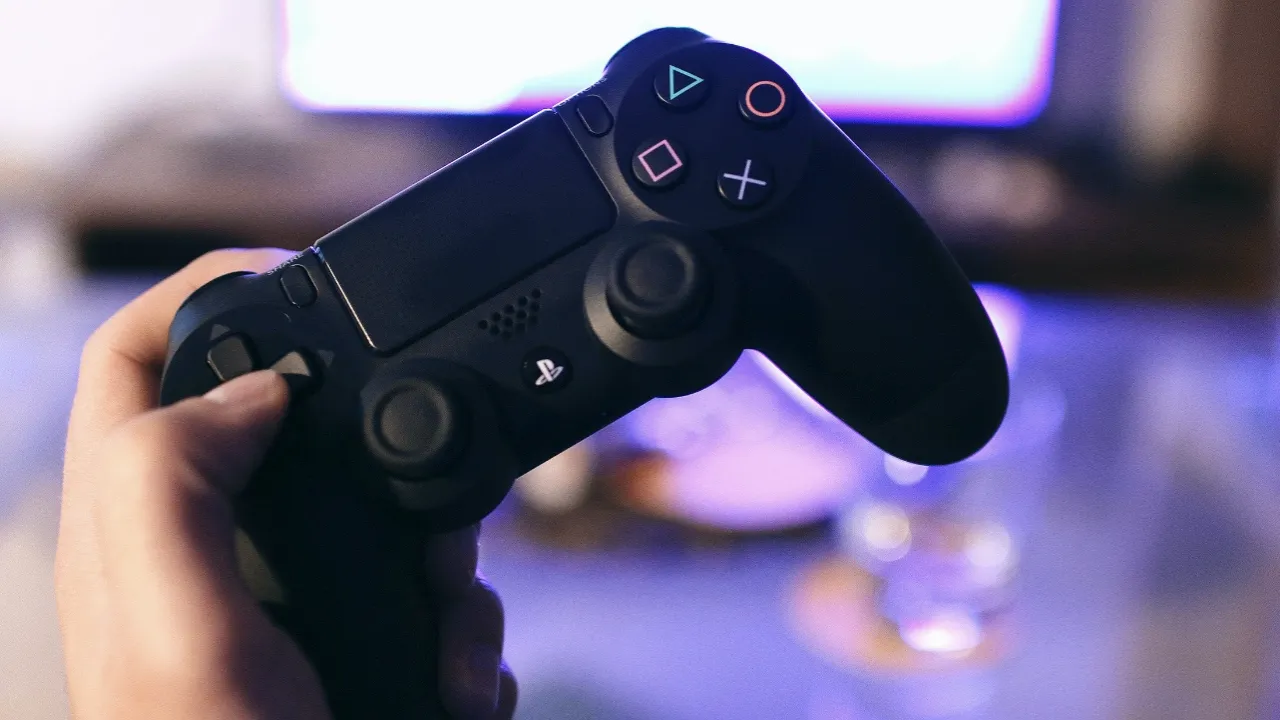
Have you ever found yourself asking, “How long does it take a PS4 controller to charge?” You’re not alone. Gaming enthusiasts around the globe ponder this question frequently. Through real-life experiments, we’re going to uncover the truth about PS4 controller charging times.
How long does it take a PS4 controller to charge?
Understanding the charging time of your PS4 controller can be split into several phases: charging from dead, charging 1 bar, charging 2 bars, charging 3 bars, and charging a new PS4 controller. Let’s dive into each to discover the results of our live experiment.
How long does it take a PS4 controller to charge from dead?
For a PS4 controller that’s completely drained (from dead), charging to full capacity takes roughly 2 hours. This duration can fluctuate slightly depending on the quality of the cable and power source being used. Always use a reliable USB cable and an effective power source to ensure optimum charge.
How pong does it take a PS4 controller to charge 1 bar?
In our real-time experiment, charging a PS4 controller from dead to 1 bar took approximately 30-40 minutes. This first bar can mean the difference between getting back into the game or being left on the sidelines, so it’s useful information to know.
How long does it take a PS4 controller to charge 2 bars?
Reaching the halfway point, or charging 2 bars, usually took around 1 hour to 1 hour 15 minutes in our live trials. It’s the point where you know you’ve got some substantial playtime available.
How long does it take a PS4 controller to charge 3 bars?
For gamers waiting to see their PS4 controller flash up with 3 bars, our experiment found that this usually took about 1 hour 45 minutes. You’re almost at full capacity here, granting a comfortable buffer for extended gaming sessions.
How long does it take to charge a new PS4 controller?
If you’ve just unwrapped a brand new PS4 controller, charging it to full capacity takes roughly the same time as a used controller, around 2 hours. While it may come with some charge, it’s always recommended to fully charge a new controller before using it for the first time.
How to charge a PS4 controller
You’re deep into a nail-biting gaming session when you notice it — that ominous flashing light on your PS4 controller. It’s indicating that the battery is low. What now? Luckily, charging your PS4 controller is a breeze. Here’s a simple guide to help you through the process.
Step 1: Prepare Your Charging Equipment
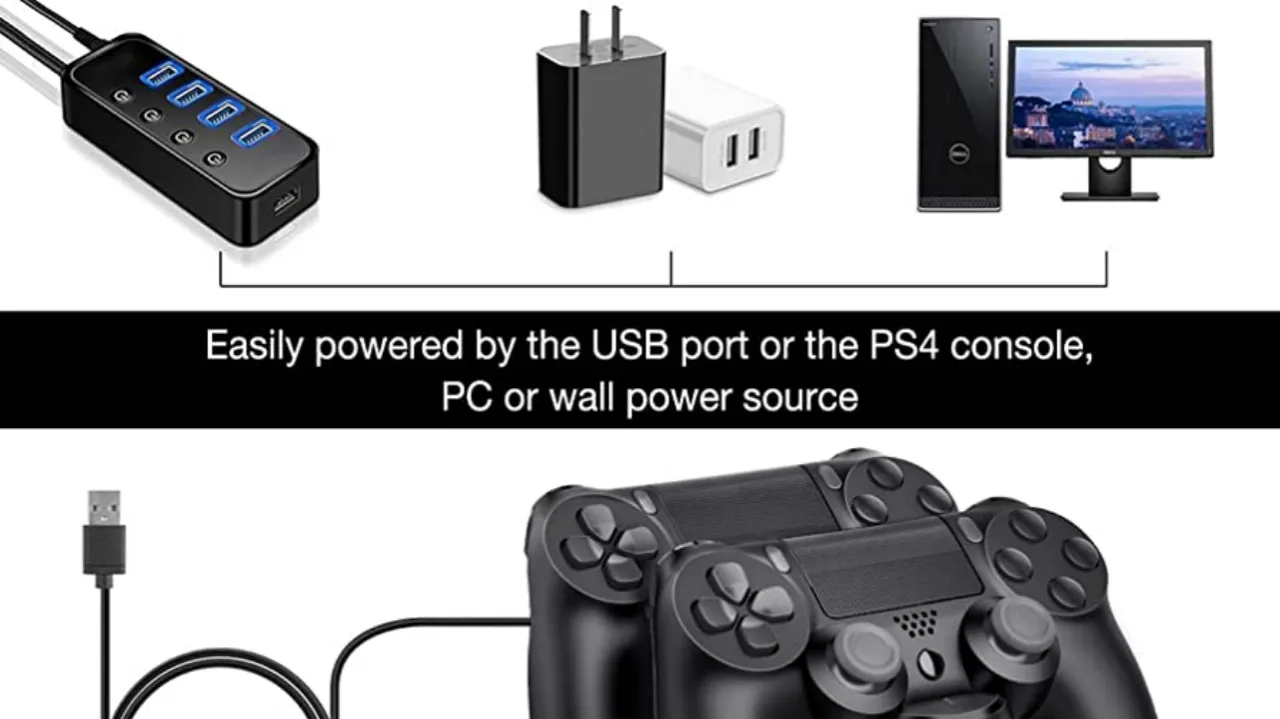
To charge your PS4 controller, you will need a micro USB cable, which is often included with the purchase of your PlayStation 4. The standard charging cable that comes with the PS4 is relatively short, so if you want to play while you charge, you might need a longer cable.
Step 2: Plug the Cable into the Controller
Locate the micro USB port on the top of the PS4 controller. It’s a small, rectangular slot right next to the light bar. Carefully insert the smaller end of the USB cable into this port, ensuring it’s the right way up.
Step 3: Plug the Other End into the PS4
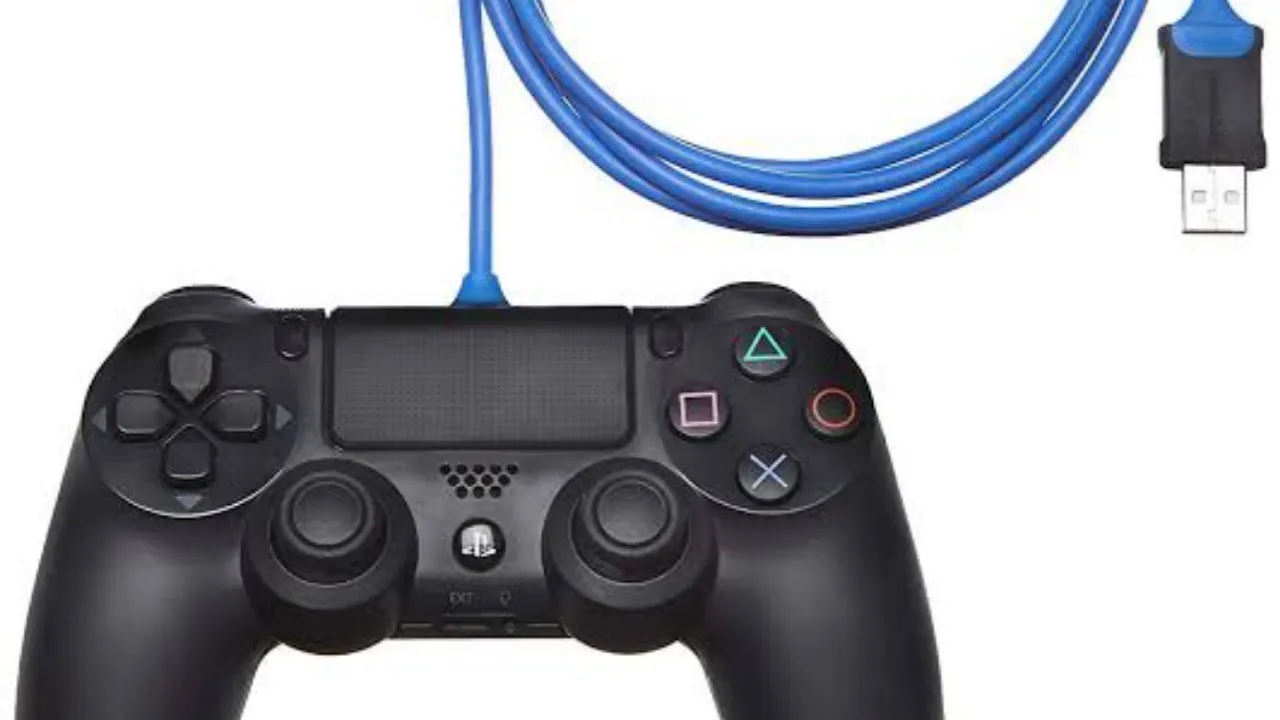
Once you have the USB cable plugged into the controller, you need to connect the other end to the PS4 console. There are two USB ports located at the front of the PS4 where you can plug in the charging cable. As soon as the cable is connected, your controller will begin charging.
Step 4: Check the Controller’s Battery Level
While the controller is plugged in and charging, you can check its battery level. To do this, press and hold the PS button on the controller to bring up the Quick Menu. Here, you will see the battery level indicator at the bottom.
Step 5: Keep an Eye on the Light Bar
The light bar on the top of the PS4 controller will blink orange while it is charging. Once the light bar turns off, it indicates that the controller is fully charged.
A crucial thing to remember is that the PS4 controller uses a lithium-ion battery, which can wear out over time. To prolong the battery life, always try to keep your controller charged, but avoid overcharging it. Once it’s fully charged, disconnect it from the cable to prevent potential battery damage.
By following these simple steps, you’ll ensure your PS4 controller is always charged and ready for your next epic gaming adventure. Enjoy! Always check out Gadget hacks and solutions for great tips and hacks
Conclusion
Uncovering the mysteries of PS4 controller charging times through live experimentation allows gamers to optimize their playtime effectively. Knowing that it takes approximately 2 hours to fully charge, and about 30-40 minutes to charge 1 bar, means you can plan your gaming sessions accordingly and never run out of battery when you need it most. Also follow the guides analyzed above to safely charge your PS4 controlle.



1 comment
Takipçi satın al: Sosyal medya hesaplarınızın popülerliğini artırmak için tercih edilen bir yöntemdir. Ancak, organik takipçi kazanmak için kaliteli içerikler paylaşmanız daha önemlidir.